Safety & compliance
Safety & compliance on mobile
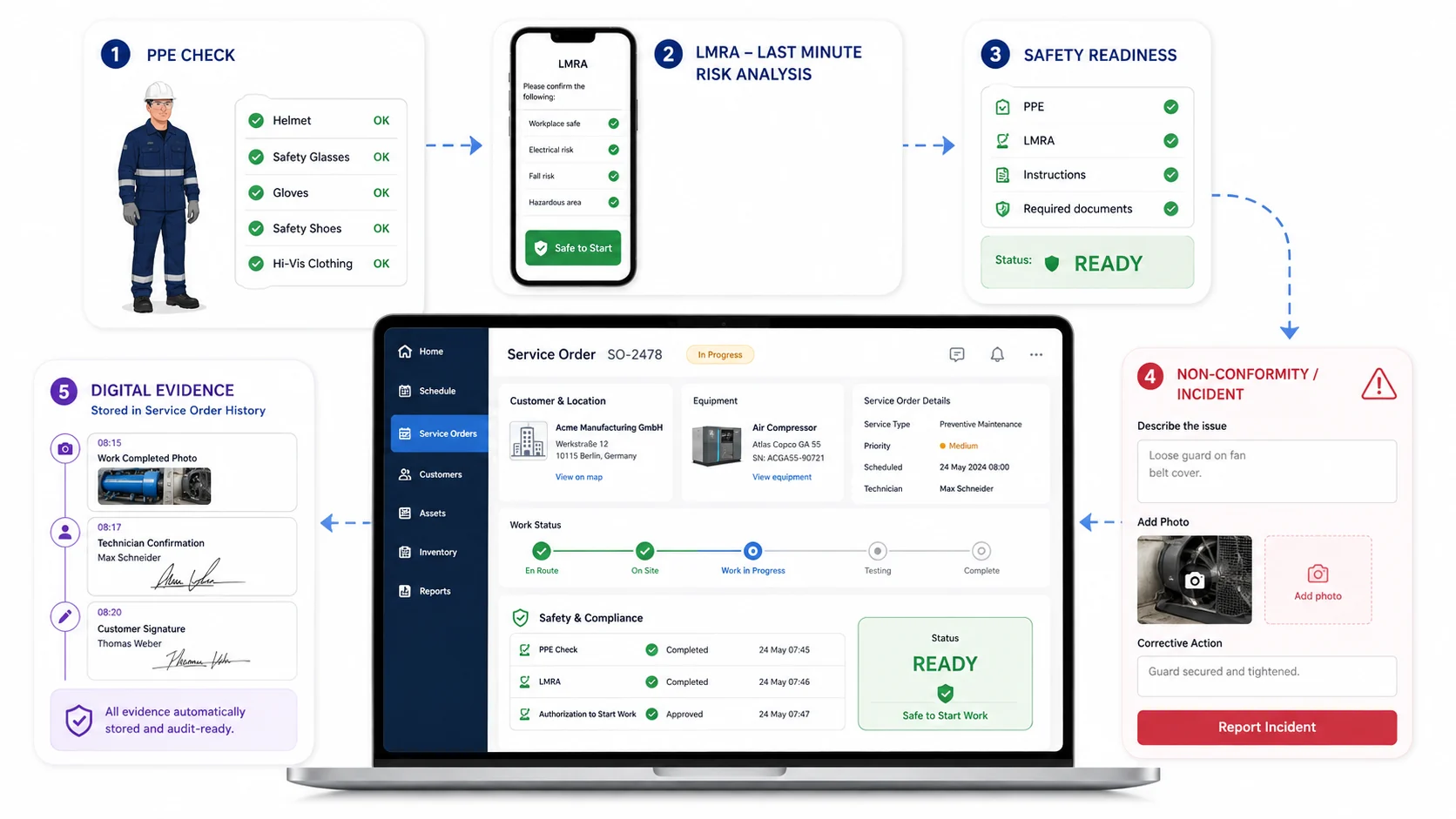
Give your technicians one clear flow for PPE checks, LMRA, risk analysis, documentation and digital proof.
- PPE checked before the start
- LMRA in under a minute
- Every piece of proof stored automatically
Step 1 — Protective equipment
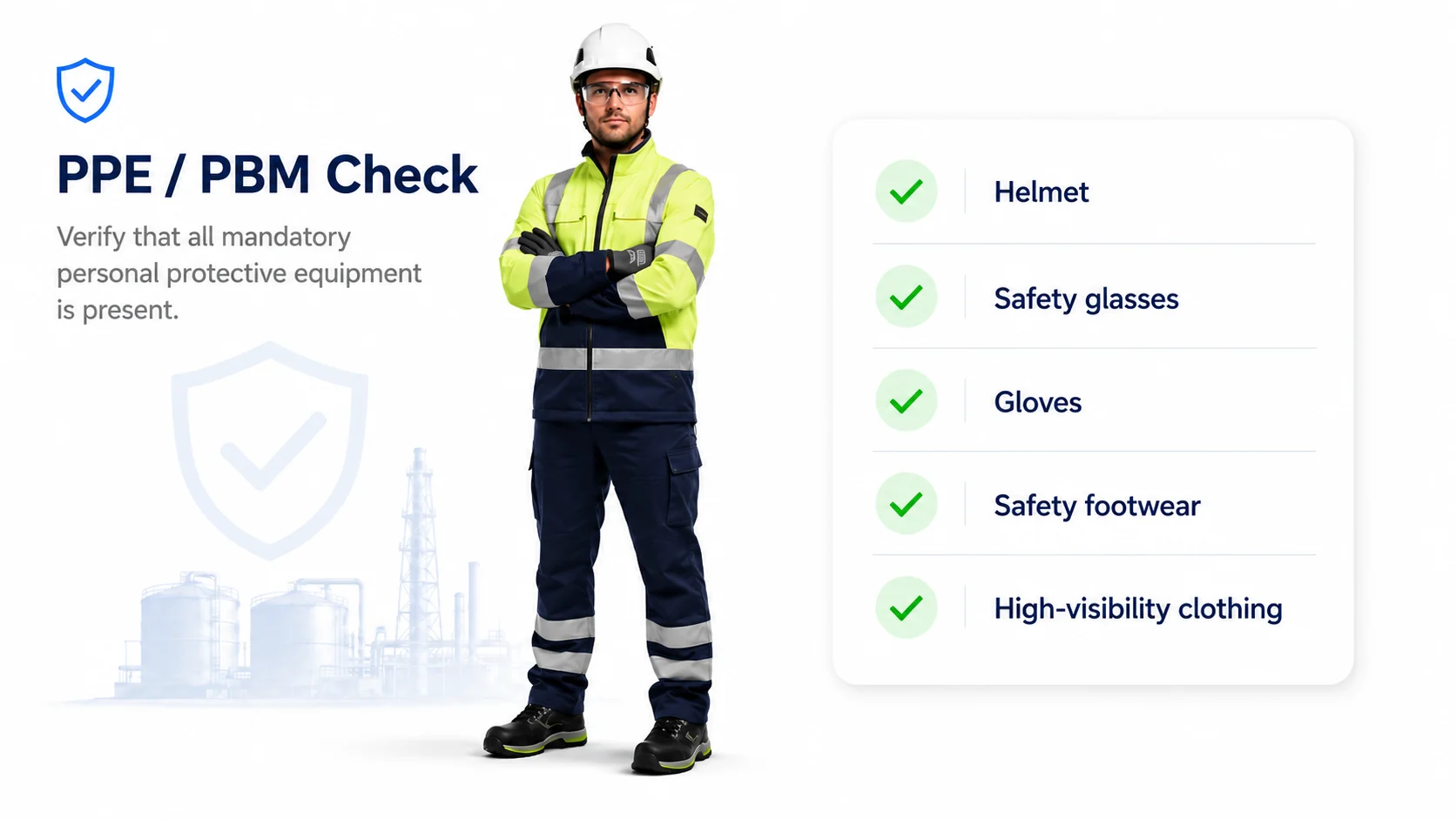
PPE / PBM check
Confirm before the intervention that all required protective equipment is present and compliant.
- Required PPE per type of intervention
- Checked on the phone, before the work starts
- A missing critical item blocks the start
- The check stays attached to the service order
Step 2 — On-site risks
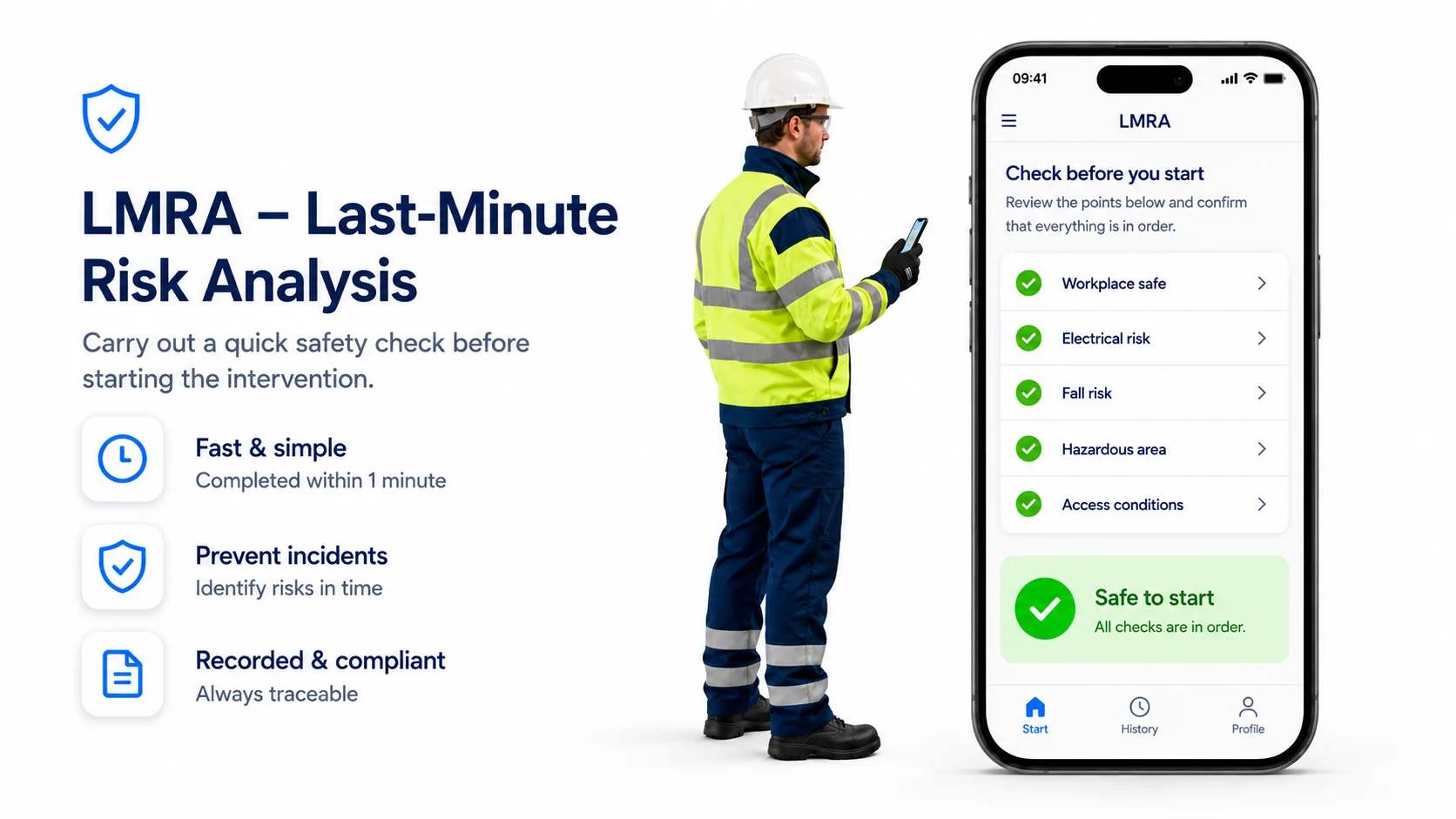
LMRA – Last-minute risk analysis
Let technicians quickly assess on-site risks just before starting and confirm that the work can begin safely.
- Workplace, electrical risk, fall risk and hazardous area
- Completed in under a minute
- An explicit “safe to start” confirmation
- Technician, date and time recorded automatically
Step 3 — Documents & authorisation
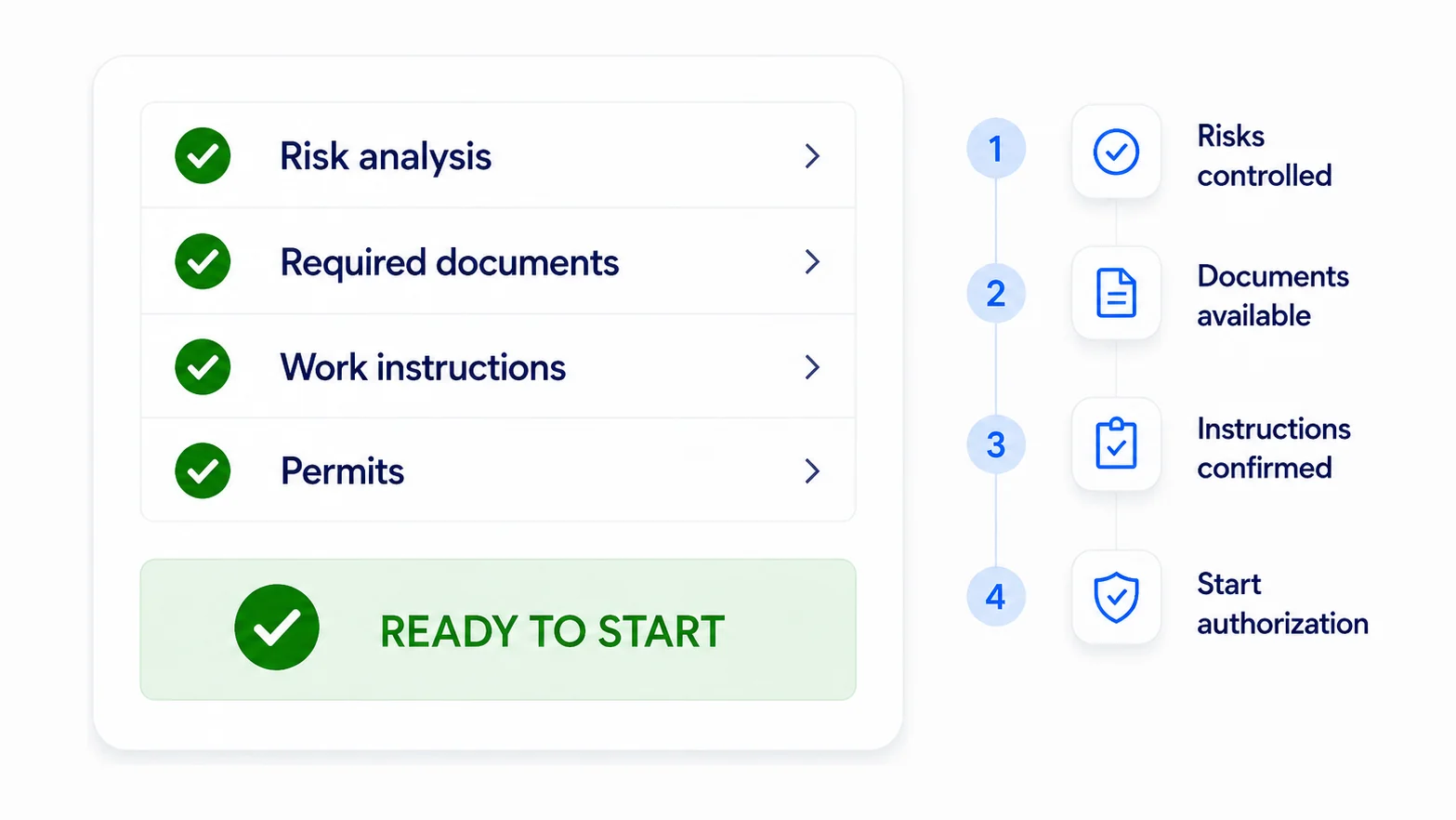
Risk analysis & documentation
Make work instructions, required documents, permits and safety information digitally available when needed.
- Risk analysis linked to the intervention
- Required documents and permits at hand
- Work instructions on the phone, not in the van
- “Ready to start” only once everything is in order
Safety inside the job, not beside it
Safety procedures rarely survive the moment they are most inconvenient: a technician in a hurry, working alone, whose form is still in the van. Anything not part of the job itself does not happen under pressure.
In the job, not in a folder
The checks that belong to an intervention — required protective equipment, the on-site risk assessment, the work permit — appear in the same app where the technician opens the job, at the moment they are relevant.
Only what is genuinely critical blocks starting work. A system that blocks everything gets worked around, and then you have procedures on paper and nothing in the field.
Provable afterwards
What was signed off, by whom and when, stays attached to the job. At an inspection or after an incident, that is the difference between showing what happened and reconstructing it.
Give your technicians a safer and clearer start
See how PPE checks, LMRA and digital work permits fit your own operation.